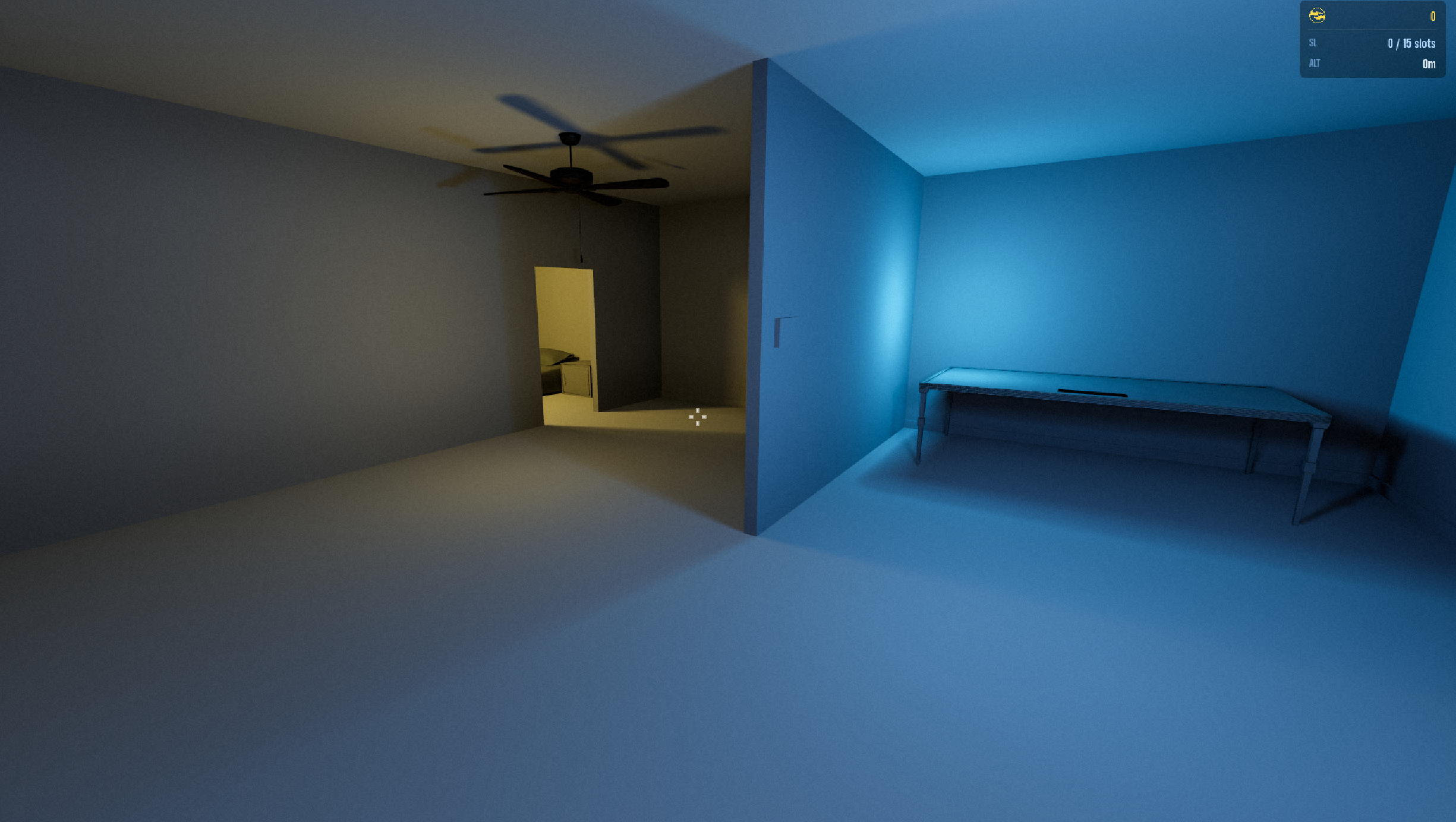
I found an approach to interior lighting I like in Godot. I don't love real time GI (too expensive in game) or light baking (too expensive in production) so I'm going with a technique using multiple lights to fake light bounce.
Typically, this technique involves one main light source per group, with a few fake bounce lights. The main light has shadows enabled and is a higher intensity. The “bounce” lights have shadows disabled and a lower intensity, with the same color as the main source. Depending on the space I might even have a few bounce lights for a single main light. This gives me the most control and performance.
Main Light
Bounce Light
For switches I identify the switch object in Blender and organize all lights associated with that switch under a parent node in Godot. My script looks for this hierarchy. Watch the video at the top of this post to preview the full effect.
But what about when all the lights go out?
Nobody likes standing in a pitch black room. This doesn’t do much for my story either. If all lights are out, I want my player to be able to see in the dark, but only slightly. For this, I have a simple omni-light parented to the player object. This goes wherever my player goes. It’s dim enough to not interfere with my main lighting, but bright enough to light a room when all other lights are out.
Comments
Sign in with a free account to join the conversation.