Overview
First Person Kit (FPK) is a Blender add-on for building first person games. You author everything inside Blender, and a complete Godot 4.6+ project rides along inside the add-on. Tag your meshes, set a few options, and the kit wires up doors, items, radios, light switches, look cameras, level transitions, menus, save and load, and inventory for you.
The add-on lives in three places in Blender. Each one handles a different slice of your game.
- The N panel3D Viewport sidebar
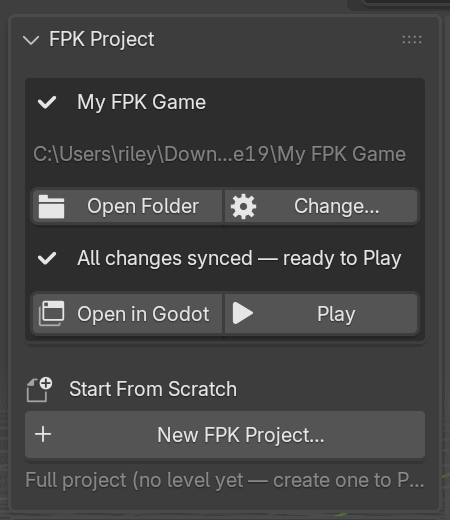
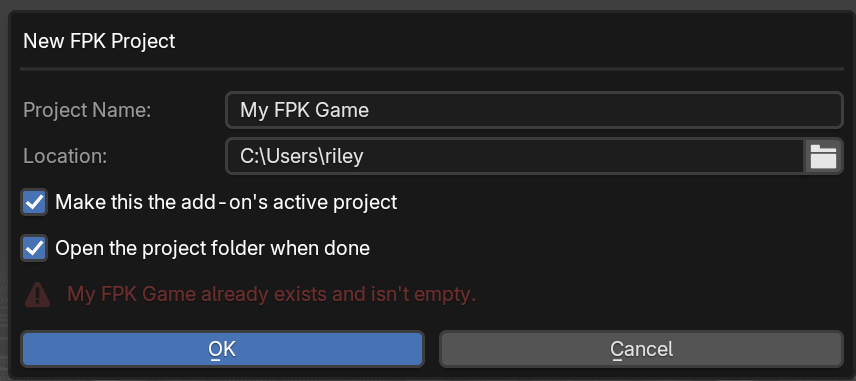
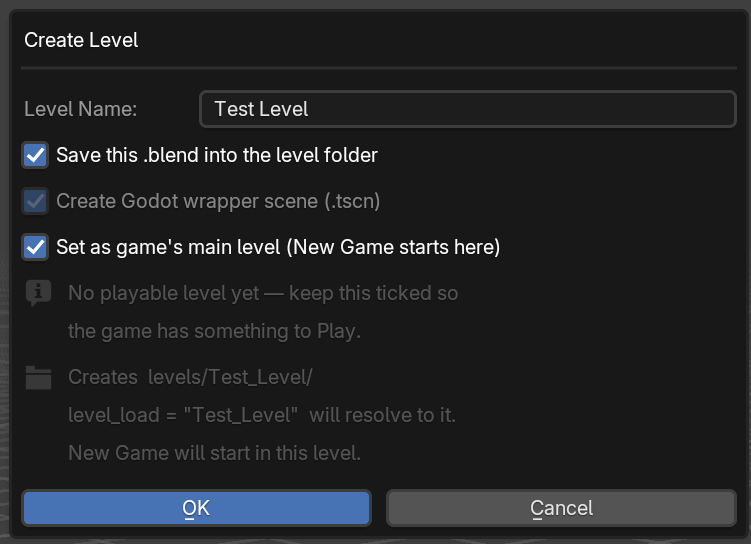
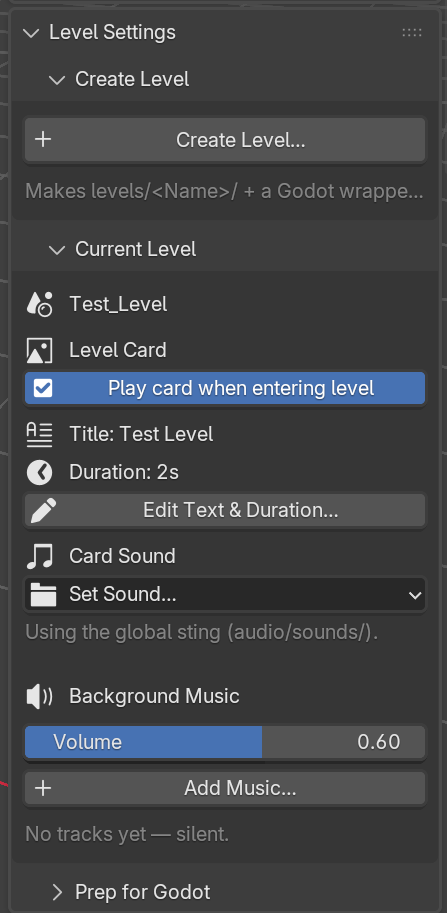
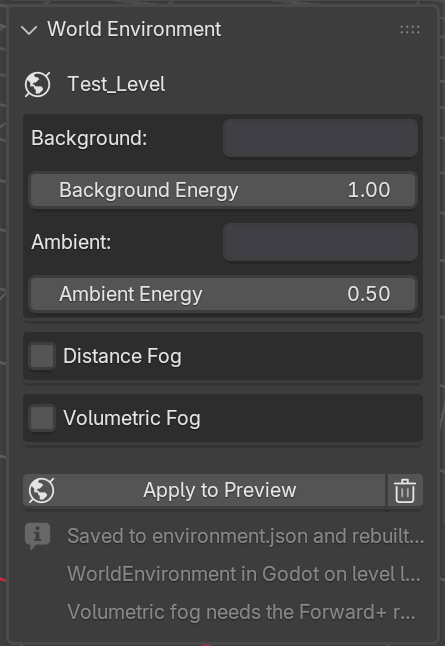
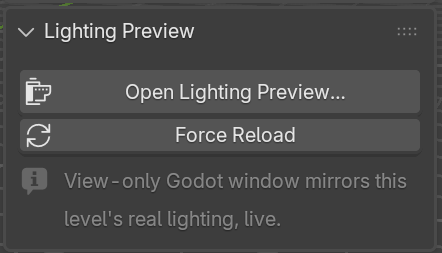
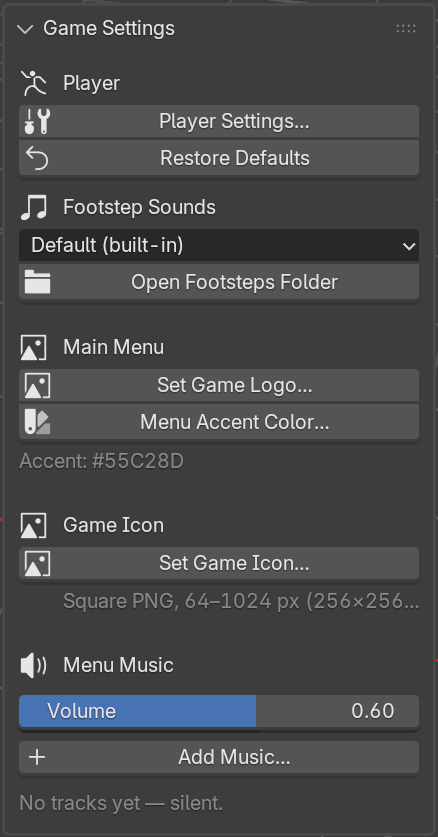
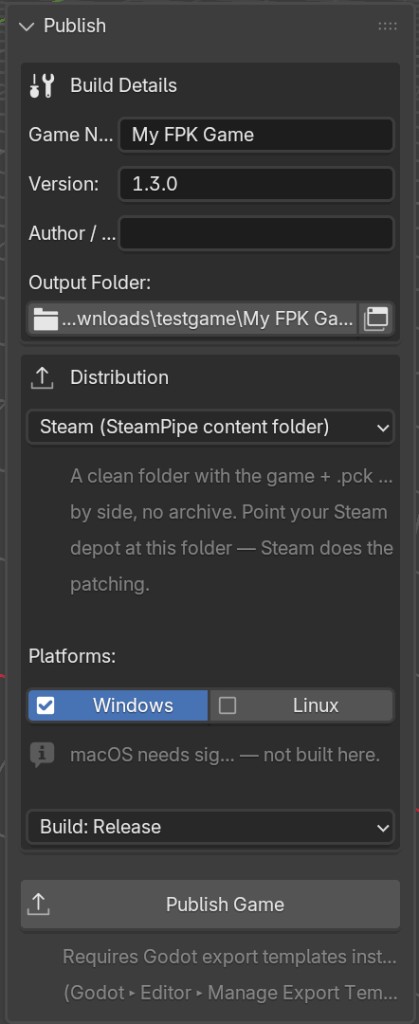
- Global settings for the whole game and per-level settings. Create projects and levels, tune the player, set up menus, preview lighting, and publish. Press N in the viewport and pick the FPK tab.
- Object Propertiesper object
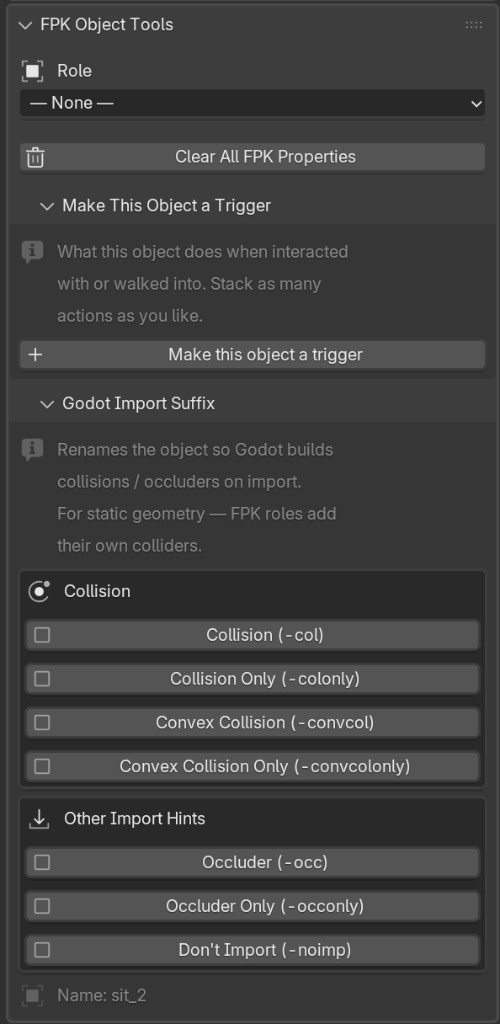
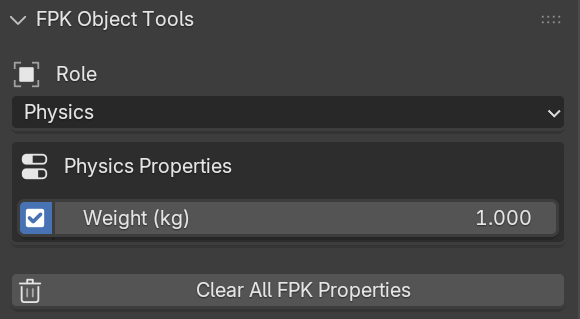
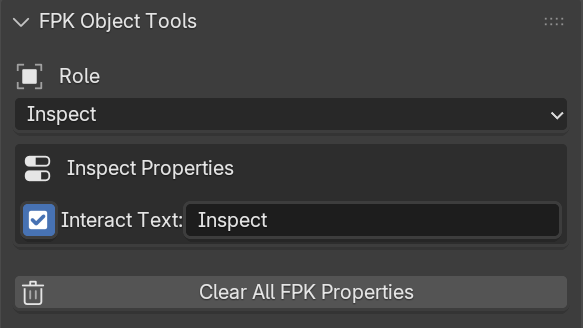
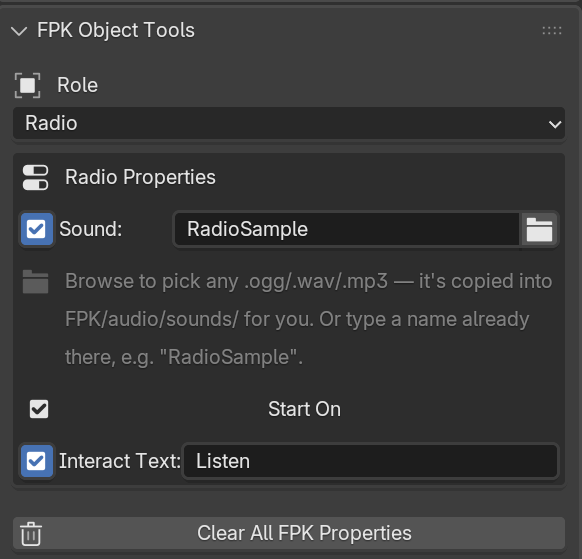
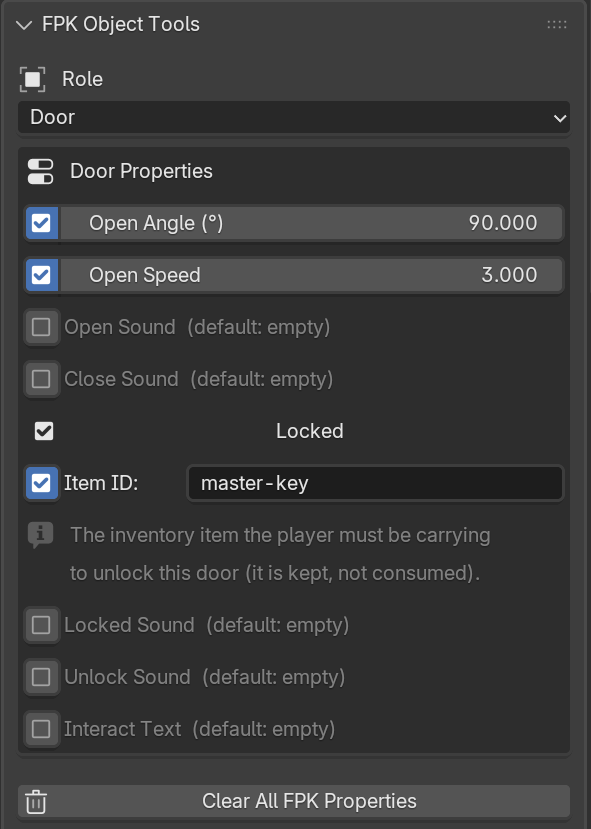
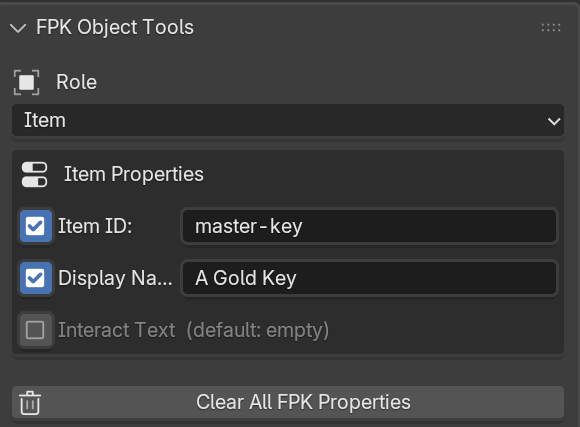
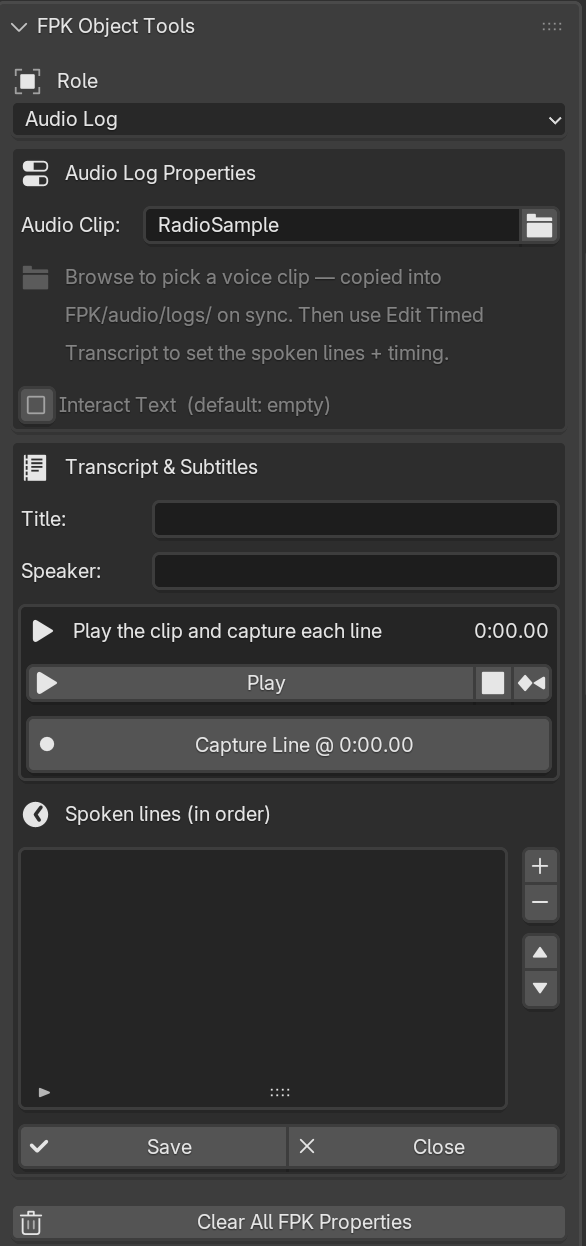
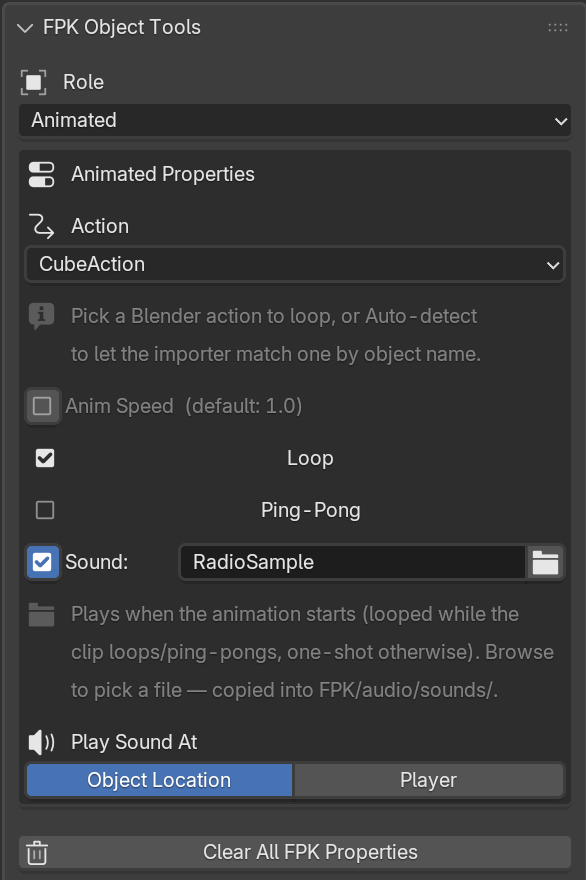
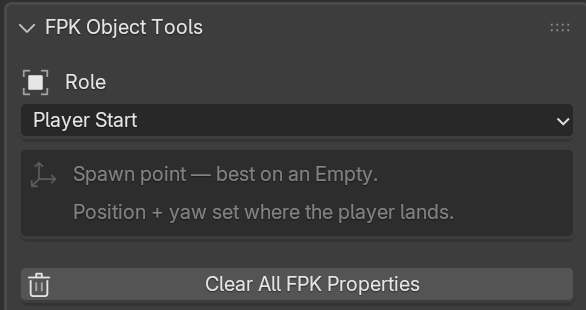
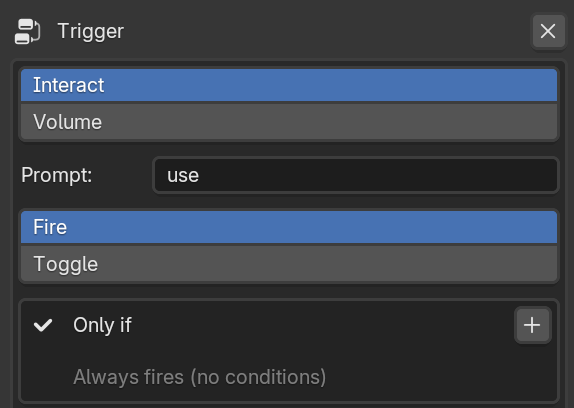
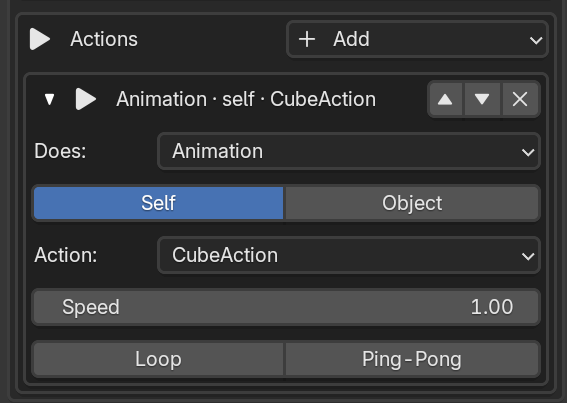
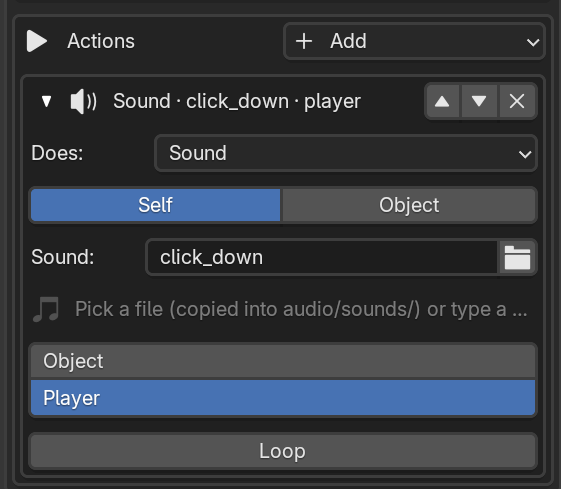
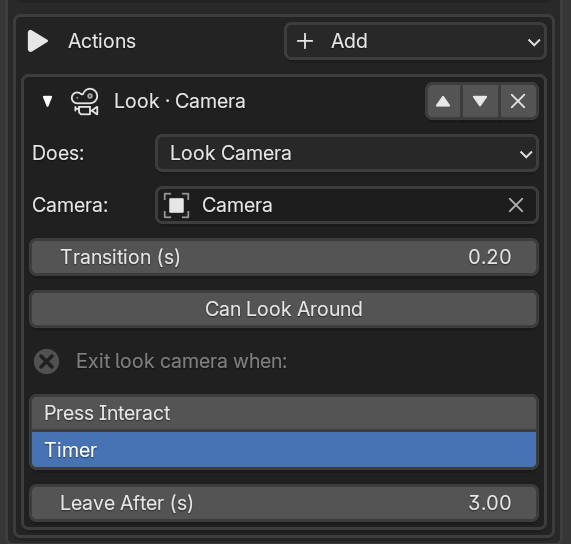
- Object-specific behaviour. Select a mesh, open the Object Properties tab, and you get the FPK Object Tools panel for roles, triggers, and Godot import hints.
- Object Data Propertieslights
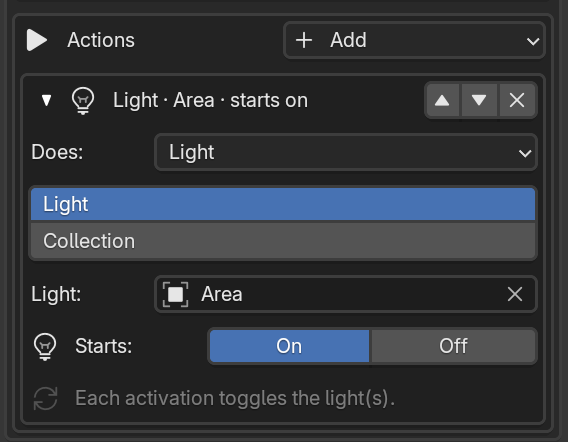
- For lights, FPK adds a Light Settings panel here so your real-time Godot lighting matches the Blender preview.
NoteFPK keeps Blender synced with your game folder automatically. As you add levels, change settings, or save your .blend, it writes the right files into the project so everything just runs when you publish.